YESTECH AOI Alternative: DaoAI vs Nordson YESTECH Compared
DaoAI vs Nordson YESTECH AOI: golden-board vs CAD-and-library programming, inline 3D, through-hole, on-machine AI, and how to test both on your boards.
October 7, 2026
Buying a used AOI machine? Check software, condition, product changes and the cost of getting into production with this practical PCB inspection checklist.
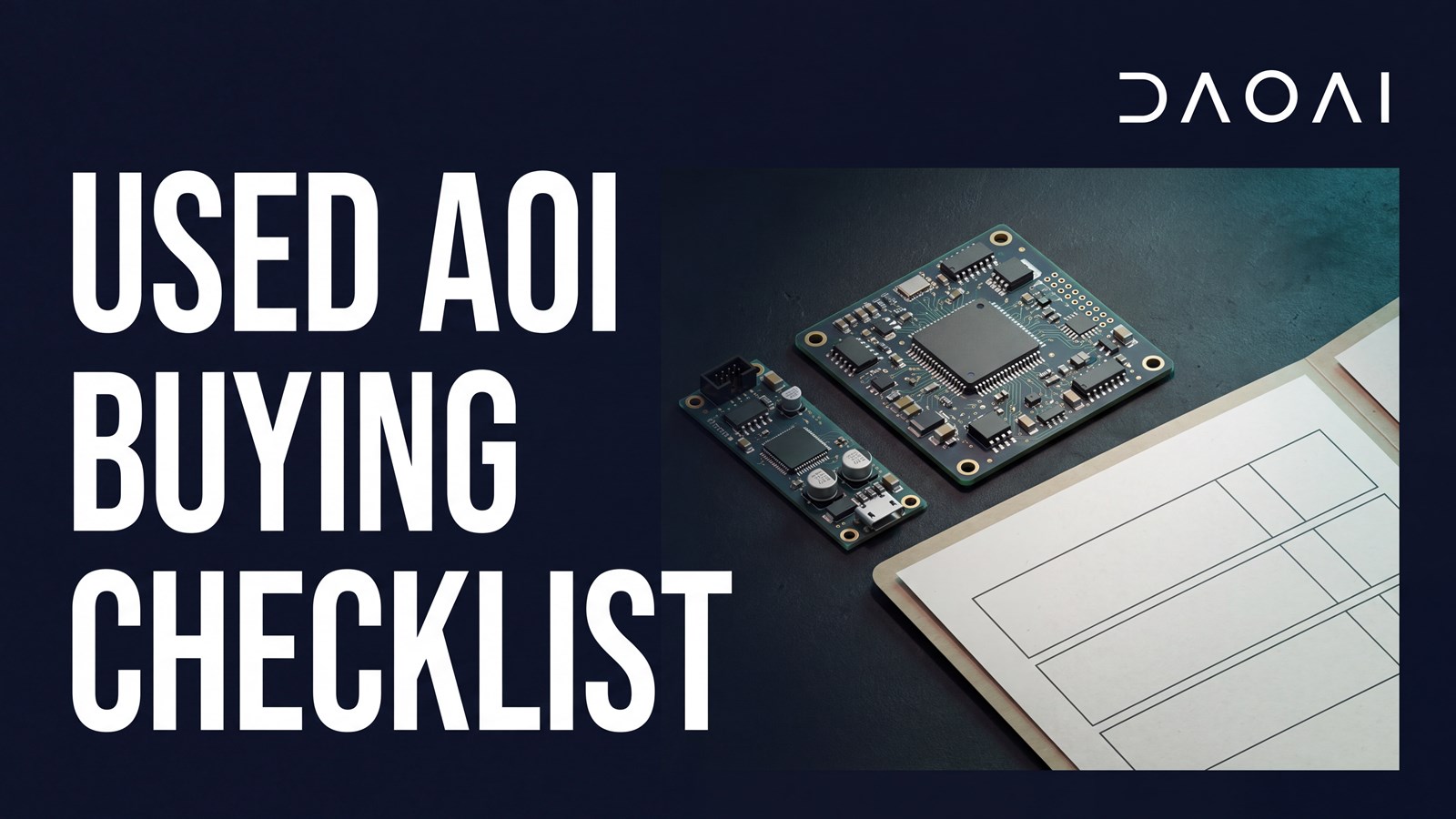
Before buying a used AOI machine, confirm the exact hardware, transferable software access, service condition and support available at your site. Then run your own boards, including a change to a second product. For high mix, low volume PCBA production, the useful comparison is the cost and work required to reach dependable inspection across your product mix.
A used system can be a sensible purchase when its capabilities match your boards and the handover is complete. The asking price alone leaves several questions open: who will activate the software, what needs repair, and how much work will each new job take?
This used AOI machine buying checklist brings those questions into the equipment discussion before you commit.
Start with the model, serial number, build year and installed options. Ask for photographs of the identification plate and screenshots of the software version and licensed functions. A product family brochure describes available configurations. The offer needs to identify what is installed on the particular machine being sold.
Match that configuration to your boards. Check board dimensions and thickness, clearance above and below the PCB, loading method, imaging capability and the inspection targets that matter to your process. Keep clearance separate from board warpage limits. Camera pixel size and height measurement accuracy are also different specifications.
List included accessories individually, where applicable: board supports, calibration tools, review computers, licence dongles and installation media. Confirm that the machine demonstrated is the one quoted, with the same options and accessories.
Ask the seller and software provider which rights and functions transfer with the equipment. Get the activation process, required accounts and any charges in writing. Check access to creating programs, editing inspection settings, saving results and restoring a backup. A machine that loads an existing program still needs a workable setup process for your next product.
Have the seller demonstrate an authorized backup and recovery procedure using a sample job. Establish what the backup contains, where installation files are kept and who supports recovery after a computer failure. Ask which computer and operating system configurations remain supported.
Use your own or an authorized sample board for handover. Other customers' production files and inspection images should not be part of the package. If a function depends on a licence dongle, separate computer or network service, record it against that function so the installation team can prepare.
Ask for maintenance records, repair history and the dates of relevant checks or calibration. Arrange a live run that shows the equipment loading and inspecting a board, followed by review of the captured images and results. The aim is to identify remaining work and who will complete it before the machine enters production.
Have qualified personnel assess optics, lighting, motion, board handling and safety functions as applicable. Keep guards and interlocks in place. An exterior photograph or a powered screen does not establish the condition of those systems.
Confirm a service contact for your location and ask about parts for the installed configuration, including the computer and optical hardware. Separate items available now from items that need a lead time or alternative.
Include packing, transport, site requirements, installation and operator training in the discussion. A service quote that excludes travel or installation is a different offer from one that includes them.
For a high mix AOI trial, bring a representative product and a second board with a different layout or component mix. Run the first job, change products, then return to the saved first job. This shows the work involved in both new product introduction and a repeat order.
Ask the operator to demonstrate job preparation, program creation or loading, inspection and result review. Record hands-on programming time, machine scan time and review time separately. For a manual-load machine, include loading and unloading when assessing throughput.
Use samples with confirmed defects relevant to your requirements and acceptable production variation. Count false calls and missed defects against the same agreed sample set. Record any edits made during the trial so both parties know which program produced the results. Our AOI evaluation guide covers planning the inspection trial.
If only a saved demonstration job is available, leave new product programming unresolved in the checklist. Ask who will demonstrate it and when.
Keep one evidence sheet with the quotation. For each item, record whether it was demonstrated, confirmed in writing or remains unresolved. Add an owner and the next action. This gives purchasing, engineering and the installation team the same picture of what is included and what still needs attention.
| Check | Evidence to request | Question to resolve |
|---|---|---|
| Machine identity | Serial plate, installed options and accessory list | Is this the same configuration that was demonstrated? |
| Board and inspection fit | Your board dimensions, clearance needs and inspection trial | Does the configured system cover the work you intend to run? |
| Software | Version, transfer terms and function demonstration | What transfers, what costs extra and who activates it? |
| Condition | Service records, live run and qualified assessment | What repair or calibration work remains? |
| Product change | A second product introduced and the first job recalled | Can your team repeat the workflow? |
| Recovery | Backup contents and authorized restore demonstration | Who helps restore the system after a computer failure? |
| Support | Named contact and configuration-specific parts information | What support is available at your site? |
| Delivery | Packing, transport, installation and training scope | Who completes each step, and what is excluded? |
Use the downloadable used AOI checklist during the equipment review. An unresolved item needs an answer or an explicit decision before it becomes a surprise at installation.
Compare used and new AOI quotes over the same ownership period and with the same scope. Separate the cost of getting installed from the cost of running the equipment. Unknown costs should stay visible as pending quotations rather than being entered as zero.
| Cost group | Include in the comparison |
|---|---|
| Equipment and delivery | Machine, included options, packing and freight |
| Initial setup | Installation, software transfer or activation, required repairs, calibration and training |
| Production work | New job programming, product changes and result review |
| Ongoing support | Applicable service, maintenance, software and replacement-part costs |
For high mix production, programming labor deserves its own line. Estimate it from the number of new jobs and the hands-on time observed during the trial. Calculate review labor separately using the expected board volume and review time. Use your team's labor rates and the same assumptions for each offer.
The AOI machine cost guide explains the broader cost categories. A used system may still be the economical choice after those costs are included. The decision should reflect the complete package and its fit with your production schedule.
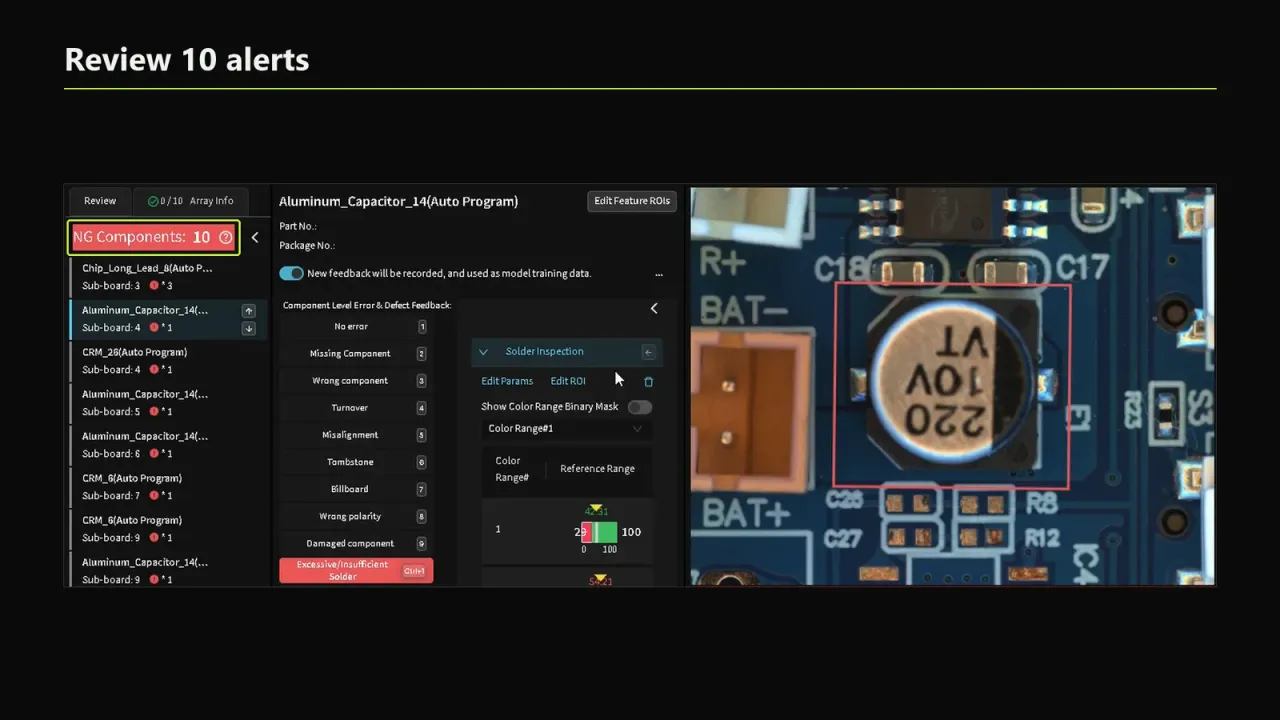
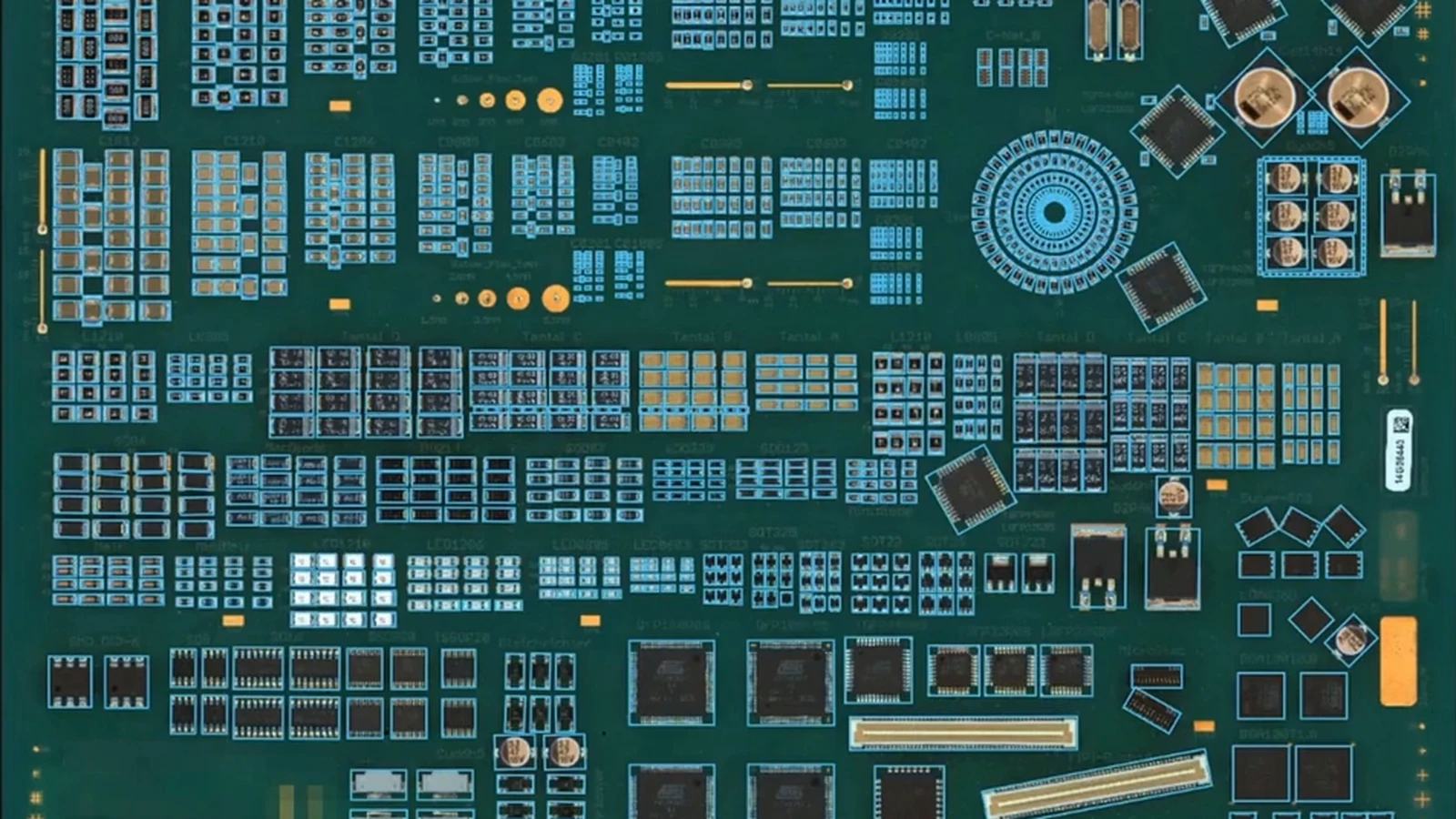
When new product programming is a concern, include a new AI AOI in the same trial. DaoAI auto-programming uses a verified golden board and does not require CAD files or a prebuilt component library. DaoAI models run locally without an internet connection. Compare those inputs and the resulting workflow with what the used machine requires.
For manual loading, the DaoAI P1 offline AOI is one option to discuss with our team. It is an offline 2D system. Bring the same board requirements and inspection targets to the discussion so the proposed configuration can be checked against the actual work.
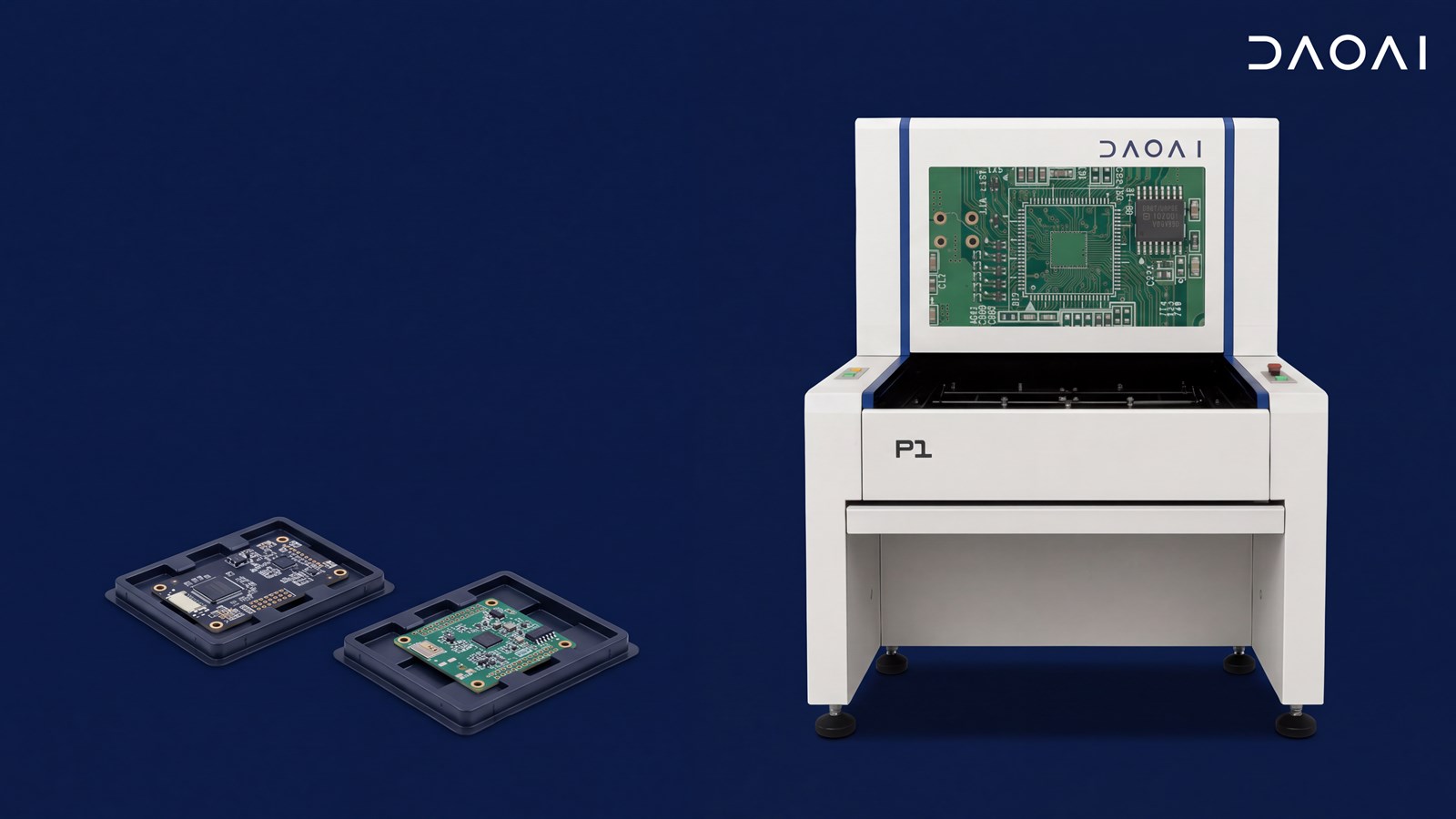
Send us your board size, product mix and inspection requirements. Ask for a demonstration on your boards, then compare programming, review work and the scope of the quote alongside the used equipment offer.
DaoAI vs Nordson YESTECH AOI: golden-board vs CAD-and-library programming, inline 3D, through-hole, on-machine AI, and how to test both on your boards.
October 7, 2026
DaoAI vs CyberOptics (Nordson) SQ-series 3D AOI: golden-board vs library-based programming, inline 3D, through-hole, on-machine AI and how to test both.
October 7, 2026
DaoAI vs ViTrox V510 3D AOI: how each handles AI programming without CAD, inline 3D, through-hole after wave, where the AI runs, and how to test both.
October 7, 2026
AI inspection insights, product news, and industry analysis. Once a month, no noise.
We use your details to reply to your enquiry. See our Privacy Policy.