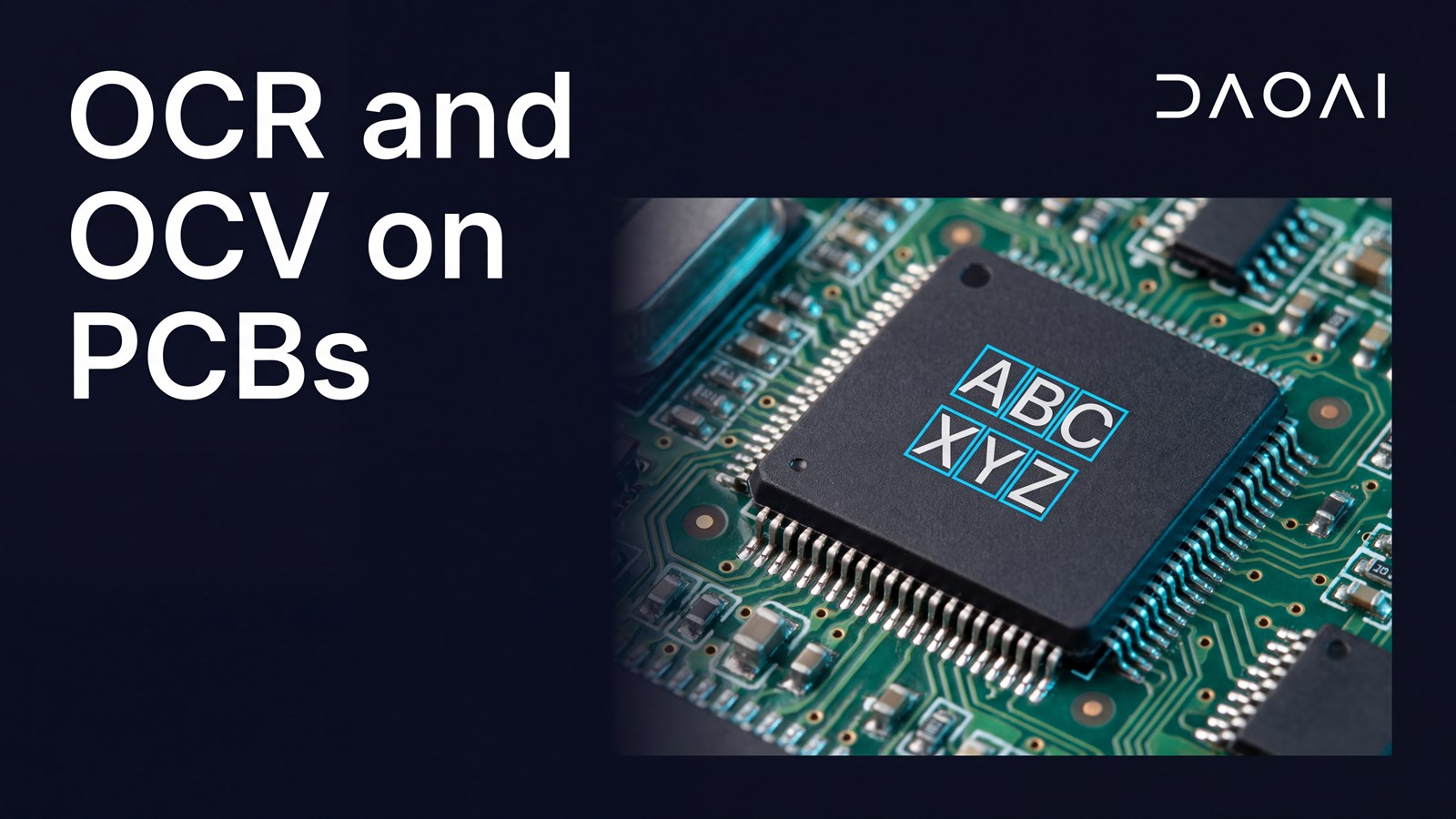
OCR (optical character recognition) reads the text printed on a component or board without being told what to expect, such as a serial number or date code. OCV (optical character verification) checks that the text matches what should be there, such as the part code for that position. On a PCB assembly, AOI uses both to catch wrong parts, flag suspicious markings and record each unit for traceability.
This guide explains why marking checks matter, when to use OCR and when to use OCV, how barcode and serial reading fits in, and how DaoAI's two text models work.
Why check component markings on a PCB?
A component can be present, perfectly placed and well soldered, and still be the wrong part. Many passive and IC packages look identical from above; the only difference is the printed marking. A marking check is often the only automated way to catch this before test.
- Wrong part. A reel loaded on the wrong feeder, a kitting mistake or a substituted part number can put a look-alike component in the wrong position. OCV compares the marking against the expected code and flags the mismatch.
- Counterfeit and nonconforming parts. Remarked or nonconforming components often carry markings with the wrong font, a wrong date code format, or text that does not match the manufacturer's standard. A marking check can flag these for investigation. It cannot prove a part is genuine on its own; that still needs supplier control and, where needed, lab analysis.
- Polarity and orientation. On some parts, the orientation of the printed text is a practical cue that the part is rotated.
- Traceability. Reading serial numbers, lot codes and date codes and storing them with each board's inspection result lets you trace a field failure back to a batch, a supplier or a production date.
What is the difference between OCR and OCV?
The short version: OCR asks "what does this say?" and OCV asks "does this say what it should?"
| OCR (recognition) | OCV (verification) |
|---|
| Question it answers | What does this text say? | Does this text match the expected content? |
| Needs the expected text first | No | Yes |
| Typical targets | Serial numbers, date codes, lot codes, component markings | Component codes, designators, fixed board markings |
| Output | The recognized text, saved with the inspection result | Pass/fail: expected text present, correct and legible |
| Best for | Variable text that changes on every unit or batch | Fixed text that must be the same on every board |
| Main risk | Misreading similar characters (0/O, 5/S, 8/B) | Rejecting an acceptable marking variation from a second supplier |
Most lines need both. Use OCR to capture what varies, such as serial numbers. Use OCV to confirm what should never vary, such as the part code at a given position. Both can run on the same board.
When should I use OCR on a PCB assembly?
Use OCR when you cannot know the text in advance. Serial numbers, date codes and lot codes change from unit to unit or batch to batch, so there is nothing fixed to verify against. OCR reads them and stores the result with the inspection record.
The weak point of OCR is look-alike characters. Depending on the font and print quality, a zero and a letter O, or a 5 and an S, can be hard to tell apart. A good OCR setup lets you define which characters count as equivalent for a given marking, so an ambiguous character does not trigger a false call.
When should I use OCV?
Use OCV when you know exactly what should be printed. The inspection program holds the expected text for each position, and the machine checks that the marking is present, correct and readable. Because it compares against a reference instead of identifying each character from scratch, verification is the natural tool for catching wrong parts.
The weak point of OCV is legitimate variation. The same part number from a second supplier can carry a different font, logo or layout. The inspection needs a way to accept that variation without loosening the check for every other part.
How does AOI read barcodes and serial numbers?
Beyond printed text, AOI can read 1D barcodes, QR codes and other 2D codes such as Data Matrix on boards and panels during the same inspection pass. The decoded serial number becomes the key for that unit's record: its images, its verdict and any defects found.
On panelized boards this matters after depaneling. If each sub-panel's code is linked to its own inspection results, every individual board stays traceable once the panel is cut apart. DaoAI's panel inspection links each sub-panel's barcode or serial number to its results in this way.
DaoAI machines read 1D barcodes, QR codes and other 2D codes such as Data Matrix, so the same inspection pass covers whichever code format your customer specifies.
How do DaoAI's OCR and OCV models work?
DaoAI's AI OCR and OCV uses two separate models, one for each job, and you choose recognition or verification to match the inspection task.
The OCR model: read it
The OCR model reads serial numbers, date codes, lot codes and component markings without the expected text being entered first. The recognized text is saved with the inspection results, including serial numbers for unit-level traceability. Character equivalence groups reduce false calls from look-alike characters.
The OCV model: check it
The OCV model verifies known text such as component codes, designators and fixed board markings. It returns whether the expected text is present, correct and legible.
Configurable character rules
Four equivalence groups are set up by default, and you can edit them:
| Group | Why they get confused |
|---|
| 0 · O | Zero and the letter O can look alike |
| 1 · I · L | Similar strokes make these hard to distinguish |
| 5 · S | Print quality can obscure the difference |
| 8 · B | Ink spread makes the shapes look similar |
What it reads on a board
- Component markings: part codes, date codes and manufacturer markings on the component body, including laser-marked text.
- Board silkscreen: designators and other printed text.
- Barcodes and 2D codes: 1D barcodes, QR codes and other 2D codes such as Data Matrix, on boards or panels, during inspection.
- Serial numbers: saved with each unit's inspection result.
Handling supplier variation
When a second supplier's part carries a different marking font or body color, an operator can mark it OK at the review screen. Feedback learning then teaches the model that this variation is acceptable across the component group, instead of loosening the check for every part. Recognized text is saved with the inspection results, which export to your MES as CSV.
What makes marking inspection difficult?
- Low contrast: laser-etched text on dark epoxy, or faded ink.
- Tiny text: markings on small packages can be only a few characters in a very small area, so camera resolution matters.
- Distorted or partial print: smeared ink, text partly covered by an adjacent part, or a curved body surface.
- Font and layout changes: the same part from different suppliers or date codes.
These are the cases to test before you buy. Bring your worst samples, not your cleanest.
FAQ
What is the difference between OCR and OCV in AOI?
OCR reads text the machine has not been told about, such as a serial number. OCV checks that printed text matches what is expected at that position, such as a component part code.
Can AOI detect counterfeit components?
AOI marking checks can flag components whose markings do not match the expected code or format, which is a common sign of remarked or wrong parts. They cannot prove authenticity alone; supplier control and lab analysis are still needed.
How do you stop OCR confusing 0 and O?
Define character equivalence groups so similar-looking characters, such as 0 and O or 8 and B, are treated as a match for that marking. DaoAI ships four default groups that you can adjust.
Can AOI read serial numbers for traceability?
Yes. AOI can read 1D barcodes, QR codes, other 2D codes such as Data Matrix, and printed serial numbers and store them with each unit's inspection result, so every board can be traced later.
Marking performance is best judged on your own parts. Send us one of your own SMT boards and we will test it for you, free of charge, including your faded, low-contrast or hard-to-read markings.